About Benq Interactive Digital Flat Panel
Education-Focused Models
RE6501 65" Education Interactive Display
-
Display:65" UHD (3840 * 2160) IPS panel with 400 nits brightness and 1200:1 contrast ratio
-
Touch:Infrared touch with 20 touch points and <10 ms response time
-
Software:EZWrite 5.0 for whiteboarding, InstaShare for wireless screen sharing, and X-Sign Broadcast for content distribution
-
Health Features:Germ-resistant screen and Eye-Care technology with Flicker-Free and Low Blue Light modes
-
Connectivity:Multiple HDMI, USB, and Ethernet ports; OPS slot for slot-in PC
-
Operating System:Android 8.0 with 3GB RAM and 32GB storage citeturn0search
RP7501/RP7503 75" Education Interactive Display
-
Display:4K UHD resolution with anti-glare coating
-
Touch:P-CAP touch technology supporting up to 20 touch points
-
Audio:Dual 10W speakers and 15W subwoofer for clear sound
-
Connectivity:Multiple HDMI, USB, and Ethernet ports; OPS slot for additional computing
-
Health Features:Germ-resistant screen and Eye-Care technology for student well-being
Corporate-Focused Models
CP8601K 86" Corporate Interactive Flat Panel
-
Display 86" UHD (3840 * 2160) D-LED panel with 350 nits brightness and 1200:1 contrast rati.
-
Touch P-CAP touch with up to 20 touch point.
-
Audio Dual 10W speakers and 15W subwoofe.
-
Connectivity Multiple HDMI, USB, and Ethernet ports; OPS slot for additional computin.
-
Security McAfee Embedded for real-time protection and privacy feature.
-
Sensors Includes NFC reader, motion sensor, light sensor, and air quality senso.cite turn0search2
Common Features Across Models
-
*Smart Eye-Care Technology Automatically adjusts settings to reduce eye stran.
-
*Wireless Sharing: InstaShare app for seamless content sharig.
-
*Device Management: DMS Local and MDA software for remote control and monitorig.
-
*Health-Conscious Design: Germ-resistant screens and anti-glare coatins.
-
*Flexible Mounting: VESA-compatible mounts for easy installatin.
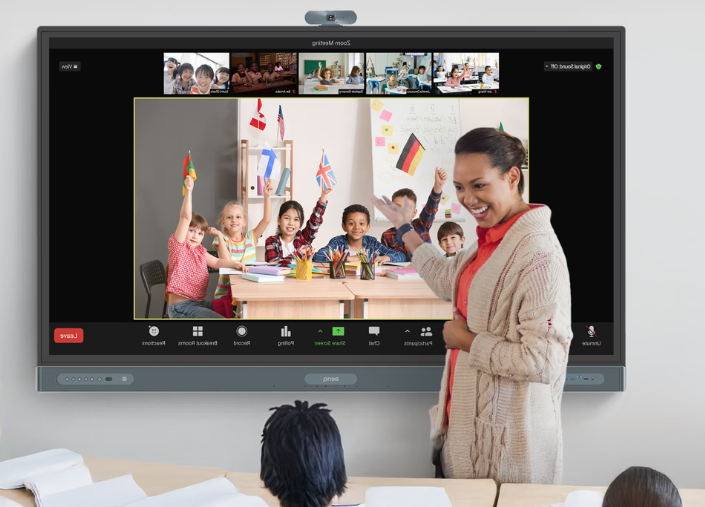
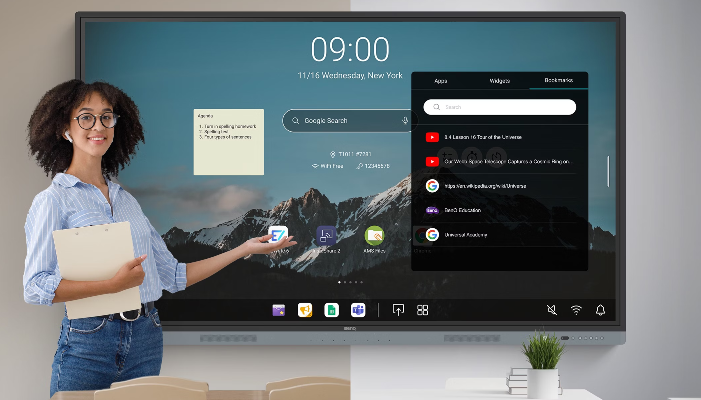
Effortless Collaboration Across EnvironmentsTransform classrooms and meeting rooms into interactive hubs with BenQs 75-inch flat panel. With multi-touch capability and wireless sharing, teams can brainstorm, annotate, and present efficiently. Its compatibility with both Android and Windows enables smooth integration with existing workflows, whether in education or corporate settings.
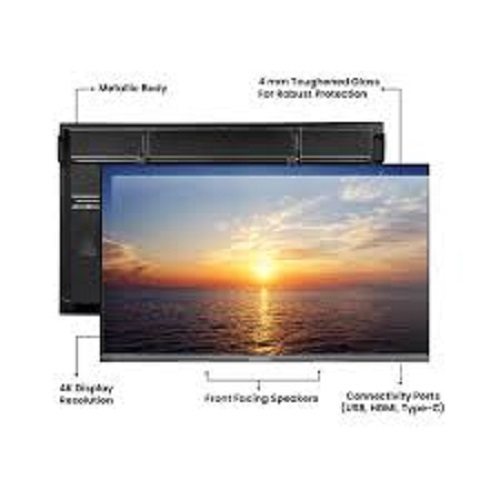
Robust Design and Crystal-Clear VisualsEngineered with 4K UHD resolution and anti-glare tempered glass, the panel delivers stunning clarity in any lighting condition. The durable glass protects against scratches and fingerprint marks, making it suitable for high-traffic environments where reliability and pristine visuals are essential.
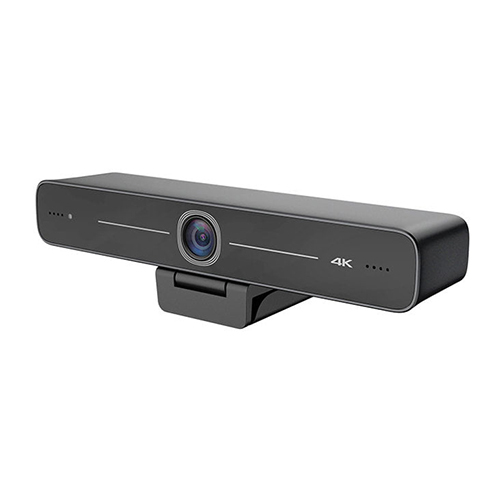
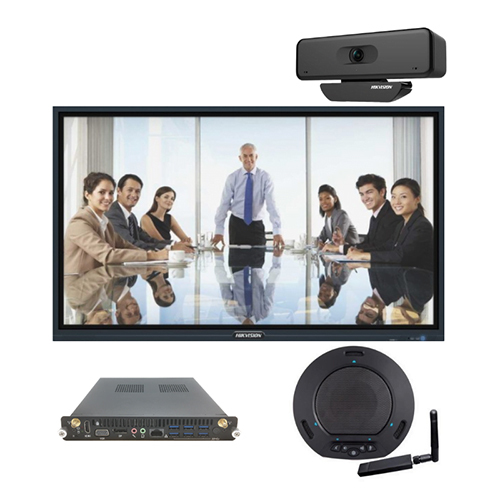
Integrated Multimedia and ConnectivityThe panels built-in speakers, array microphone, and optional camera support dynamic in-room and remote presentations. Its comprehensive array of portsincluding HDMI, VGA, USB, LAN, and RS232ensures seamless connectivity, while Wi-Fi capability facilitates wireless content sharing and online collaborations.
FAQs of Benq Interactive Digital Flat Panel:
Q: How does the 20-point multi-touch feature of the BenQ Interactive Flat Panel benefit users in collaborative settings?
A: The 20-point multi-touch technology allows multiple participants to interact with the screen simultaneously, making it ideal for brainstorming, group activities, and collaborative presentations in educational and corporate environments.
Q: What is the process for connecting external devices to the BenQ Interactive Digital Flat Panel?
A: You can connect a variety of devices via HDMI, VGA, USB, and LAN ports, allowing instant access to content from laptops, USB drives, and network sources. Wireless sharing is also available with an optional Wi-Fi module for cable-free collaboration.
Q: When should you consider using the OPS slot for Windows OS support?
A: You should use the OPS slot when you require Windows-based applications or prefer the Windows operating system interface for presentations, conferencing, or running specialized software alongside the embedded Android OS.
Q: Where is the BenQ Interactive Digital Flat Panel best utilized?
A: This interactive display is designed for educational institutions, corporate meeting rooms, and conferencing spaces where engaging presentations, interactive lessons, and real-time collaboration are essential.
Q: What are the advantages of the tempered anti-glare glass on the 75-inch panel?
A: The tempered anti-glare glass ensures safety, protects against scratches, and reduces reflections, providing comfortable viewing and smooth touch interaction even in well-lit rooms.
Q: How does wireless sharing function on this panel?
A: Wireless sharing, accessible through the optional Wi-Fi module, allows users to mirror content from compatible devices onto the flat panel, promoting efficient and seamless collaboration without the need for physical cables.
Q: What is the benefit of built-in speakers and array microphone in this interactive panel?
A: The integrated 16W x 2 speakers and array microphone enable clear audio output and voice capture for presentations, video conferences, and remote learning sessions without requiring external audio equipment.






 Send Inquiry


 Send Inquiry